


What to Do When You Can't Log in to Your Instagram Account
Published on 2nd of January 2026Instagram isn't just for sharing pictures and videos with friends anymore. It has evolved far beyond that and has become a business channel for countless creators, influencers, and brands.
That makes it all the more jolting when you suddenly can’t log in. Engagement dips, campaigns pause, and revenue ceases.
Whether it's because you've forgotten your password, suffered a data breach, or another technical issue has left you without access, none of that really matters — being able to log in again is what does.
The only problem? Recovering your Instagram account’s login details isn't always easy. There are multiple layers of security to prevent others from accessing your account (which can be confusing when you're the one being locked out).
The following guide will go over each recovery option step by step, so you can stop worrying and wasting time and finally regain control.
Contents
- Check Credentials and Devices
- Confirm Internet Connectivity
- Recovering a Forgotten or Compromised Password
- Specialized Account Recovery for Compromise
- Requesting a Security Login Link
- Verifying Your Identity (Photo Verification Method)
- If Your Account Was Deactivated or Disabled
- Dealing With Disablement
- Protecting Your Account From Future Lockouts
- Implementing Two-Factor Authentication (2FA)
- Strengthening Your Password
- Regular Account Maintenance
Check Credentials and Devices
Verify the basics first. Basic typos are a common root cause of lockout.
-
Double-check that your username is correct: Yes, it's that simple. Manage multiple accounts? You may be confusing them. See if the Caps Lock key is turned on, as passwords are case-sensitive.
-
Test on other devices: Not able to log in on your phone? Perhaps a desktop computer or tablet? If a phone or tablet can successfully use it, then the problem is probably something app- or device-specific. It is not account-wide.
-
Check the app version: The first thing you need to do is update your Instagram app. Use the latest version. A malfunctioning application may not connect properly to the server.
Confirm Internet Connectivity
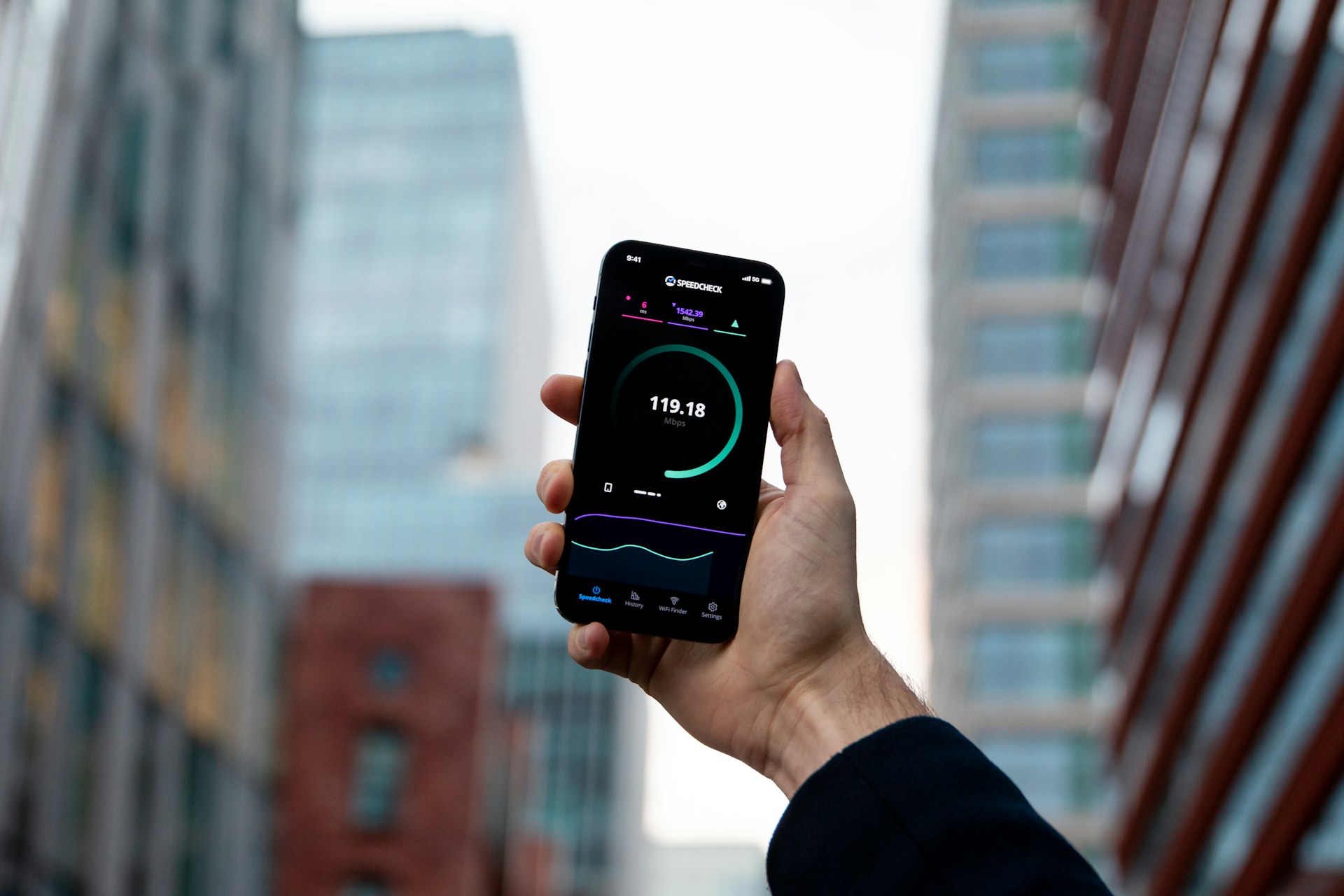 Instagram uses a lot of data. If the connection is weak or cuts in and out, the login will fail.
-
Toggle Wi-Fi/data: Turn off your Wi-Fi, then turn it back on. Using mobile data? Double-check if you’re getting a good signal.
-
Try a VPN/different network: Do you know if your IP has been reported for suspicious activity? Try using a different network. Borrow a friend's Wi-Fi or connect via VPN to rule out a network-specific block.
Recovering a Forgotten or Compromised Password
The basic checks failed? Initiate the official recovery process next. This is the pathway to regain control. Use it if you forgot your login information. Use it if your password was changed without permission.
Instagram makes password recovery straightforward. You must have access to the associated email or phone number.
-
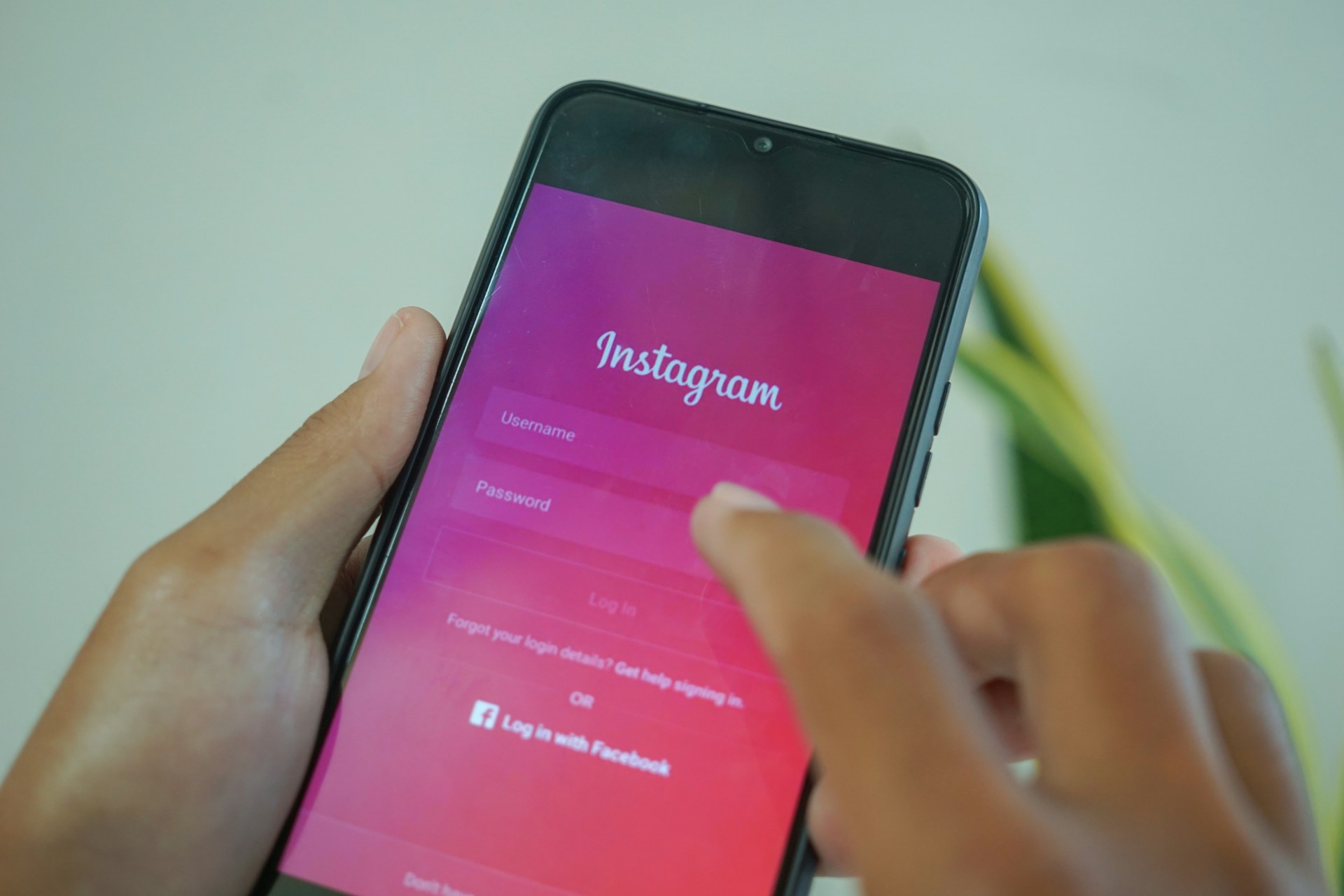
Go to the login page: Tap "Forgot password" (or "Get help signing in" on Android) on the main login screen. Enter your account details. Input the email address, phone number, or username linked to the account.
-
Select recovery method: Instagram will send a security link or code. It arrives by email or text. Opt for the one you can get into as quickly as possible.
-
Click on the link: Open the email or text. Click the reset link, then enter the code manually in the app instead. This will let you create a fresh, strong password.
Someone could have hacked your account, and the hacker may have modified your email address. Wait for a security email from Instagram. Your old email address usually gets an Instagram notification that your account information has been changed.
In most cases, this email includes a link. It says, "revert this change." Using this link may allow you to regain your original login information immediately.
Specialized Account Recovery for Compromise
Hackers may have completely taken over your account. They disabled recovery links. You must request specific support directly from Instagram. Confirm your identity this way.
Requesting a Security Login Link
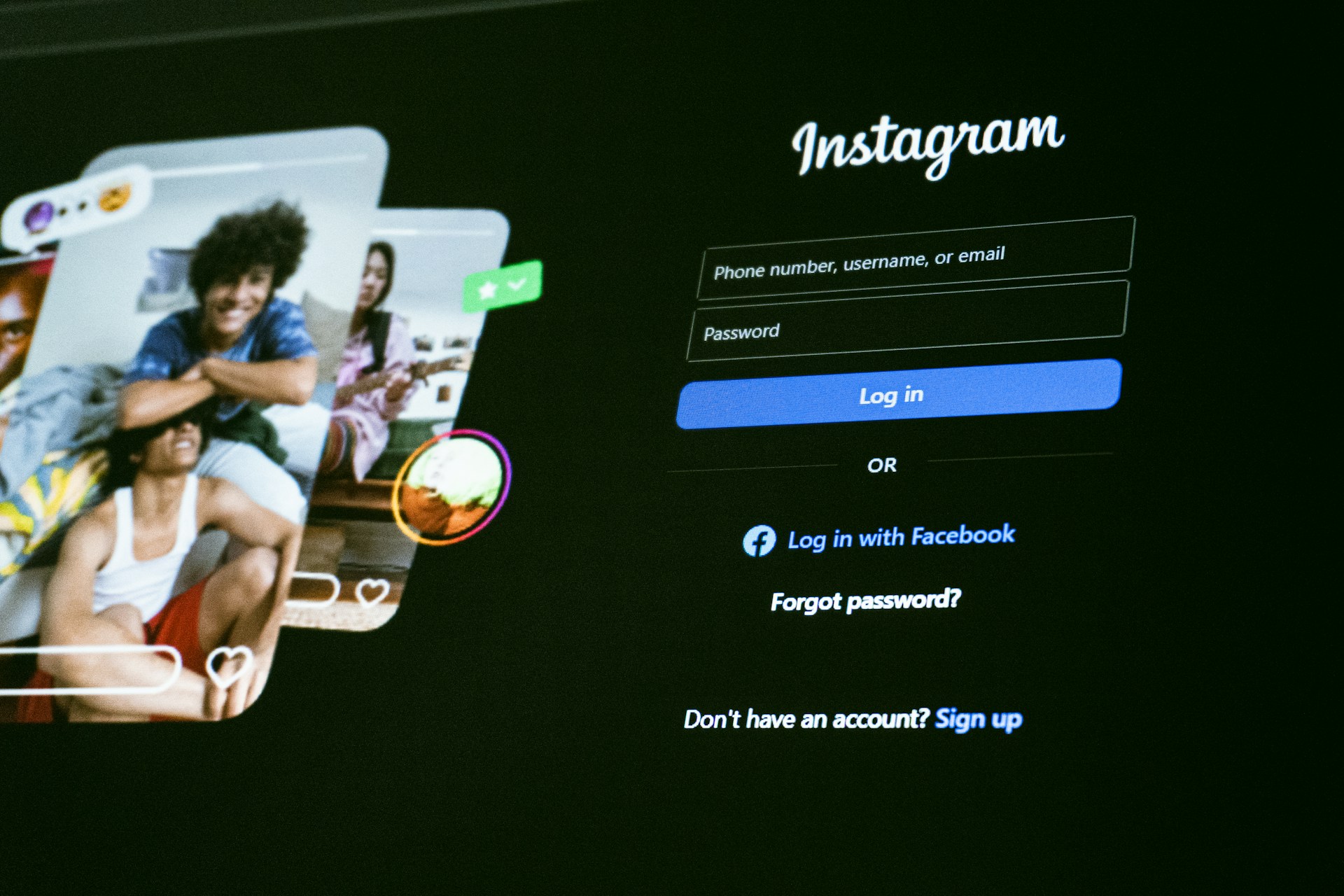 You cannot access the security code sent via email or phone. You can request an alternative login link.
-
Identify yourself: Choose the option that confirms you cannot access your email or phone number. This is on the "Get help logging in" screen.
-
Submit a request: You will be prompted to submit a support request. Instagram will then ask for an email address you can reliably access. (It does not have to be the original one.) They will use this to communicate with you during the recovery process.
Verifying Your Identity (Photo Verification Method)
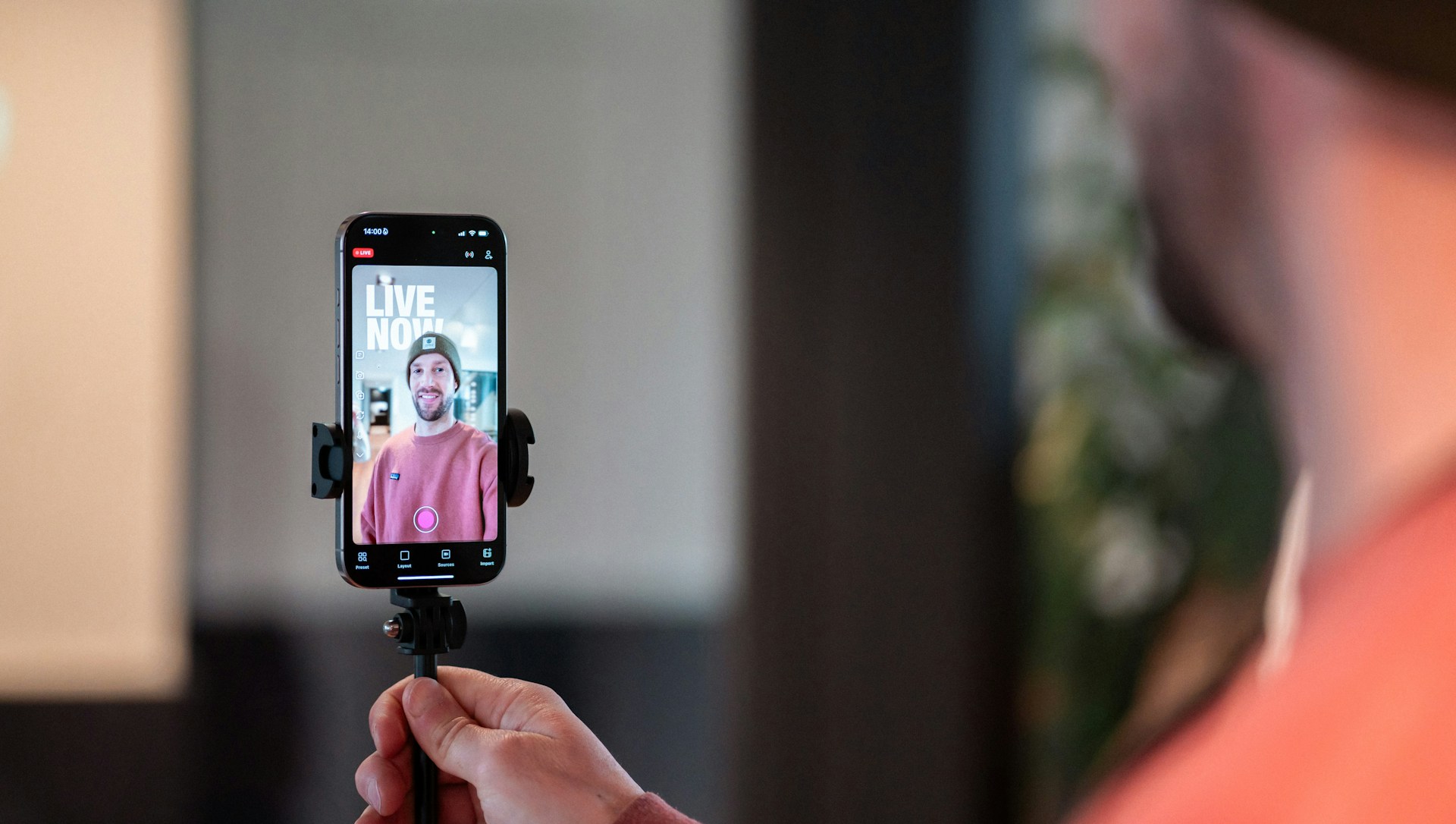 Your account contains images of yourself. Instagram requires video proof of identity, which is the most secure recovery method.
-
Video selfie: Instagram will walk you through it. Record a short video selfie. This video proves who you are in your online presence. This is particularly important for influencers who are the face of the brand.
-
Awaiting review: Reviews can take several days. If approved, instructions are sent by Instagram to the access email you provided. With this, you can create a new password and log back in.
If Your Account Was Deactivated or Disabled
Sometimes, the inability to log in happens due to an action taken by Instagram itself. This is usually for perceived violations of their Terms of Service, rather than a simple technical error or a hack.
Dealing With Disablement
You are presented with a message that your account has been disabled. Typically, it means Instagram has taken action against you for violating its Community Guidelines.
-
Appeal the decision: There is a link in the message on the login screen. Use it to try to reverse the decision. You must click this link and fill out the provided form.
-
Provide context: Say why the disablement was a mistake. Believe your account was hacked? Explain that clearly. Say the hacker placed the infringing content.
Protecting Your Account From Future Lockouts
Content creators make their whole business on Instagram. They cannot do without the proactive security measures. Lose your account, and you’ll lose your momentum.
Implementing Two-Factor Authentication (2FA)
The only way to efficiently protect against unauthorized access is two-factor authentication. It stops future lockouts. This will work only with a rotating code. It's an extra layer of security on top of your password. You need it whenever you log in from a different device.
-
Use an authenticator app: SMS-based 2FA is an option. Using a dedicated authenticator app (like Google Authenticator or Duo Mobile) is far more secure. Using such apps protects your account even if your phone number is compromised.
Strengthening Your Password
 Your password should be unique to Instagram. It should be complex. Never reuse a password from another social media site.
-
Length and complexity: Use a password manager. Generate a phrase that is at least 12 characters long. It must include a mix of uppercase and lowercase letters, numbers, and symbols.
Regular Account Maintenance
Periodically check the devices that have access to your account. Also, review your contact information.
-
Review authorized devices: Review the login activity in your security settings. Log out of any device you do not recognize.
-
Check linked contacts: Ensure your current phone number is linked. A reliable, secure email address must be associated with the account.
Losing access to your Instagram account is frustrating. Fortunately, it is rarely permanent. Systematically troubleshoot the issue and understand the recovery procedures so you can quickly regain access to your account.